

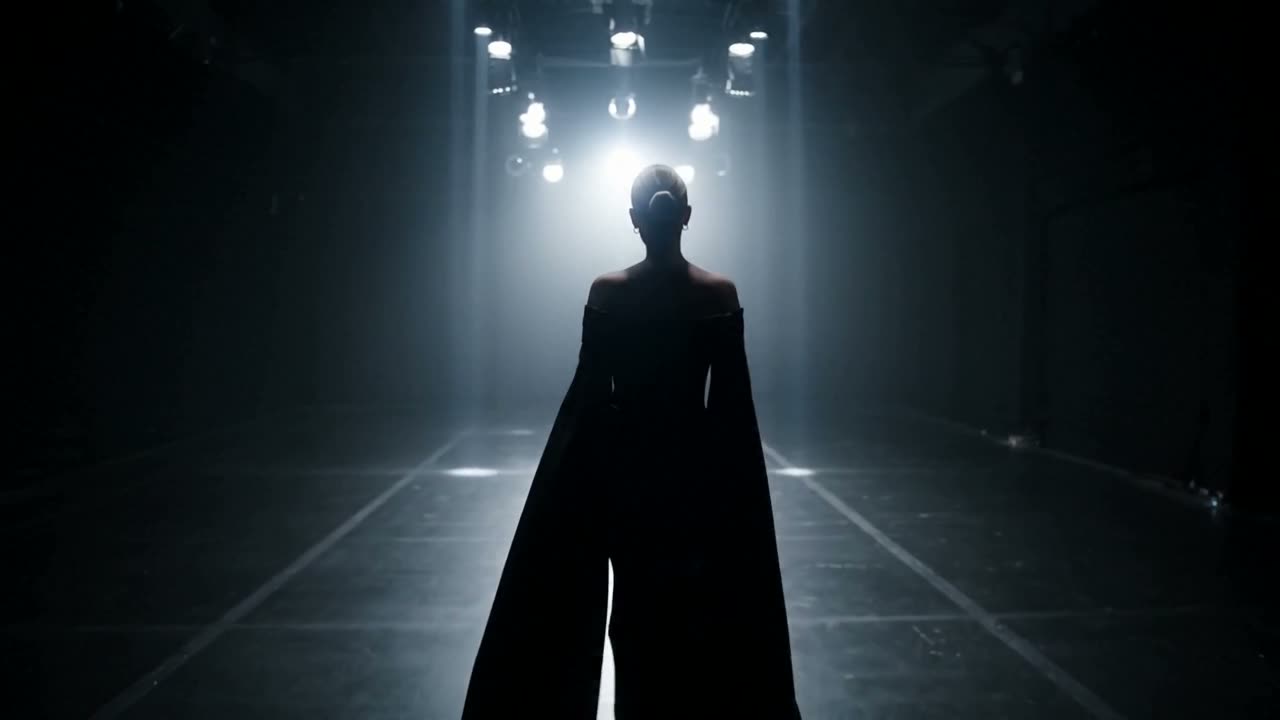
 0:15
0:15Editorial walk
Runway energy
Look direction + fabric motion; vertical or landscape for channel fit.
Fashion
Text · Image · Sound · Clear credits
 Wan 2.75s · 720p · 16:9
Settings
Wan 2.7 · 5s · 720p · 16:9
No complex video editing required. Queue your prompt, let the model generate, and download your finished clip.
Log in to your account to save your generation history and manage your available credits.
Use a text prompt for Text-to-Video, or upload a photo for Image-to-Video. Add reference images to keep characters and style consistent.
Select your target video length and aspect ratio (landscape or vertical). See the exact credit cost before generating.
LOOKBOOK
Fashion, product, aerial, audio-forward, and travel energy — open any card for the workflow sketch.
0:15Editorial walk
Look direction + fabric motion; vertical or landscape for channel fit.
Fashion
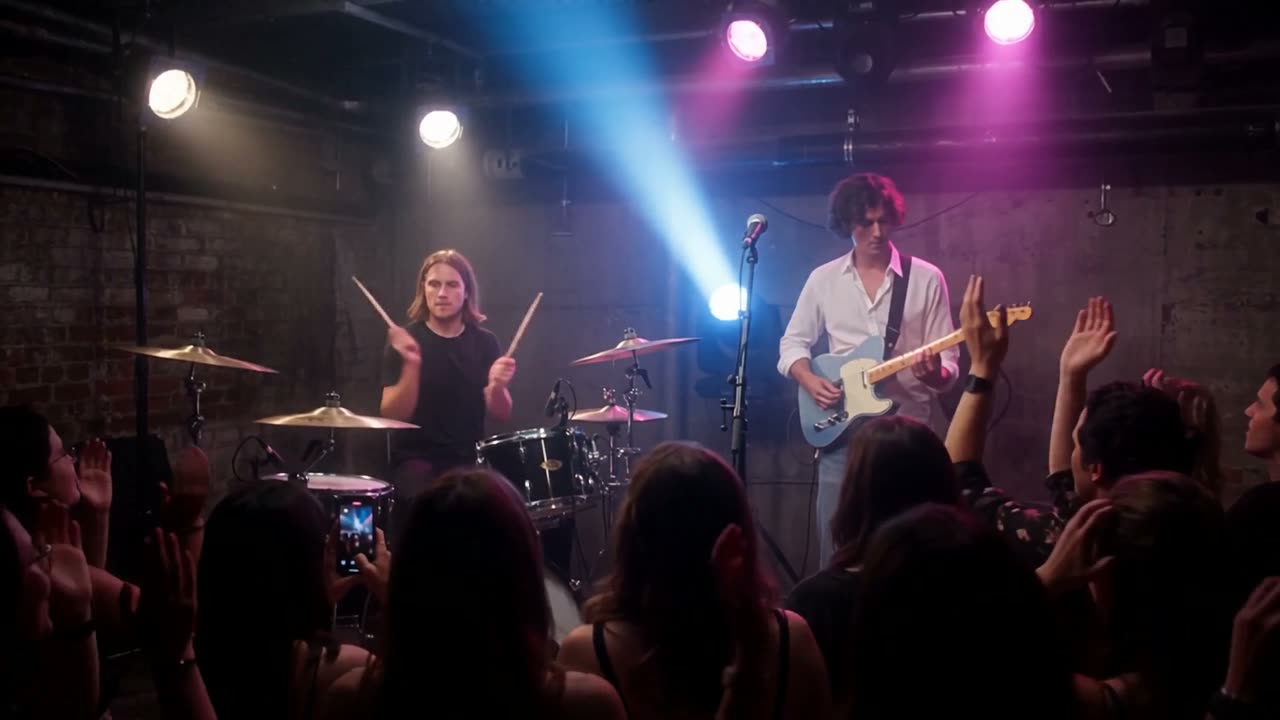 0:15
0:15Live room energy
Prompt for performance + atmosphere; keep sound on when reviewing.
Sound-forward · ~15s
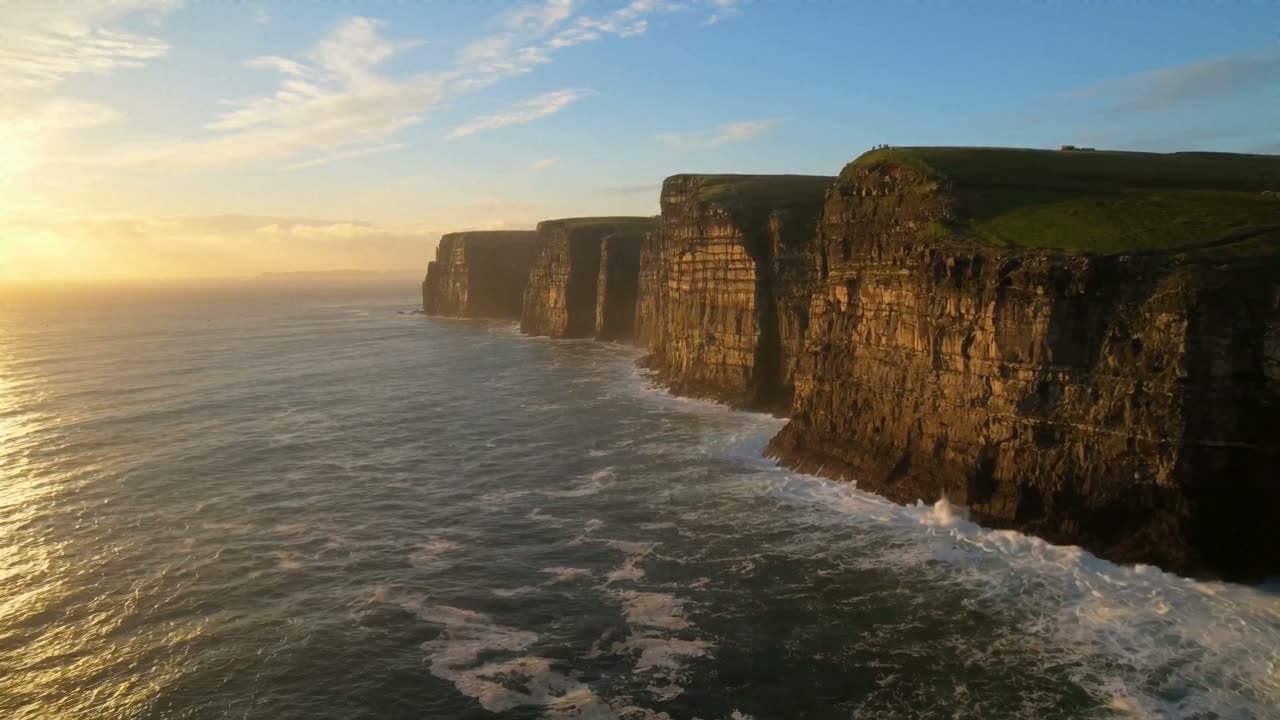 0:15
0:15Coast / city edge
Describe path and time of day; optional still for palette lock.
Wide establishing
Multi-still binding, first-to-last frame motion, and still-to-clip — inputs shown beside the result.
Today on this desk: text-to-video, image-to-video, references, duration/aspect controls, and credits.
Input
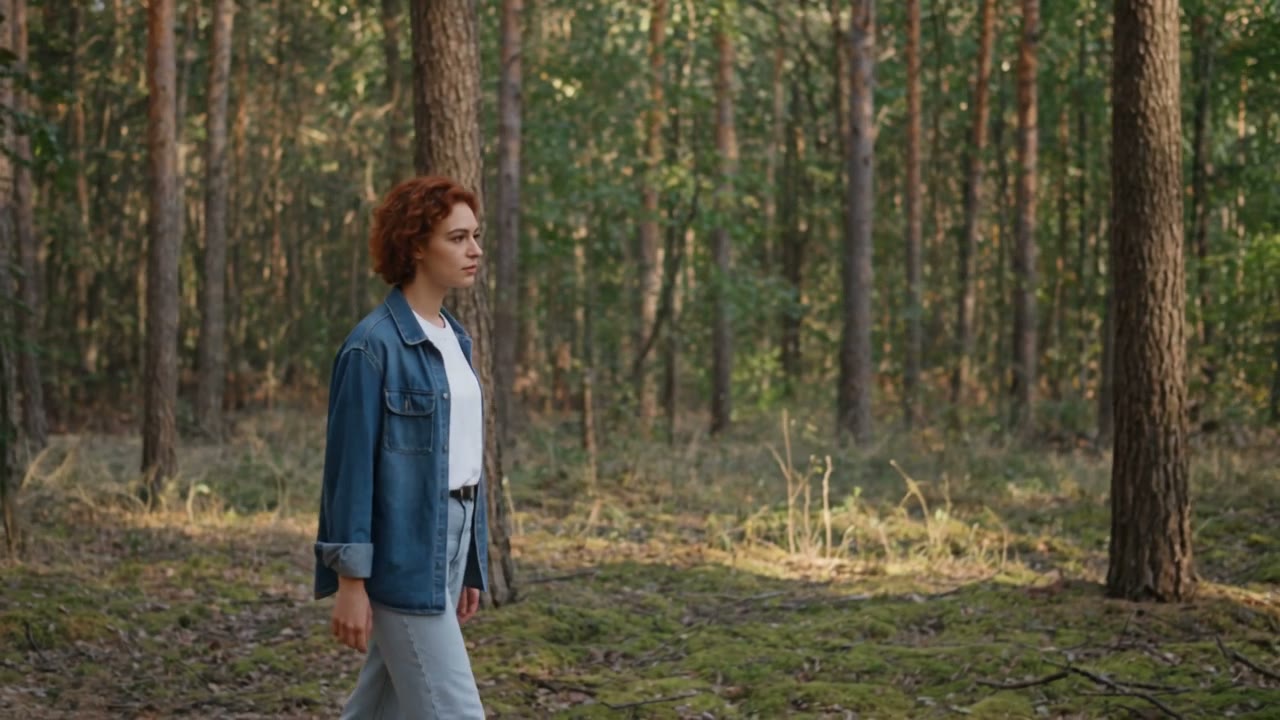 ref A
ref A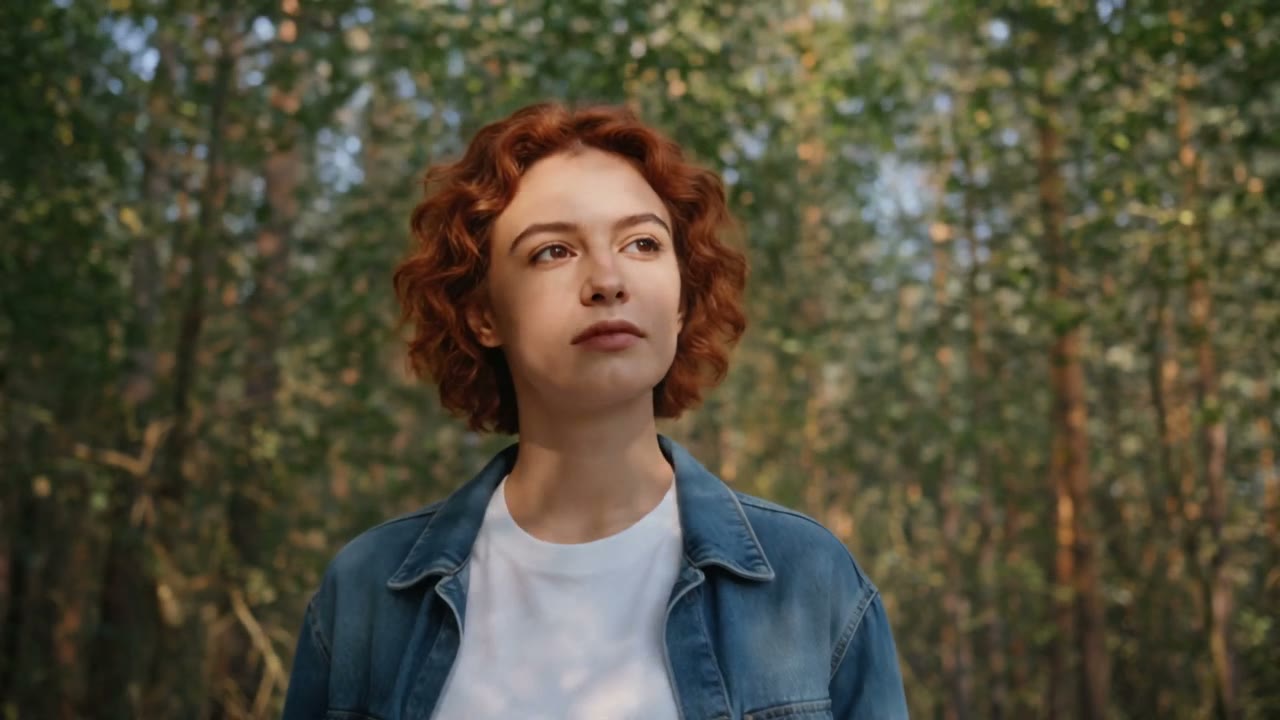 ref B
ref BOutput
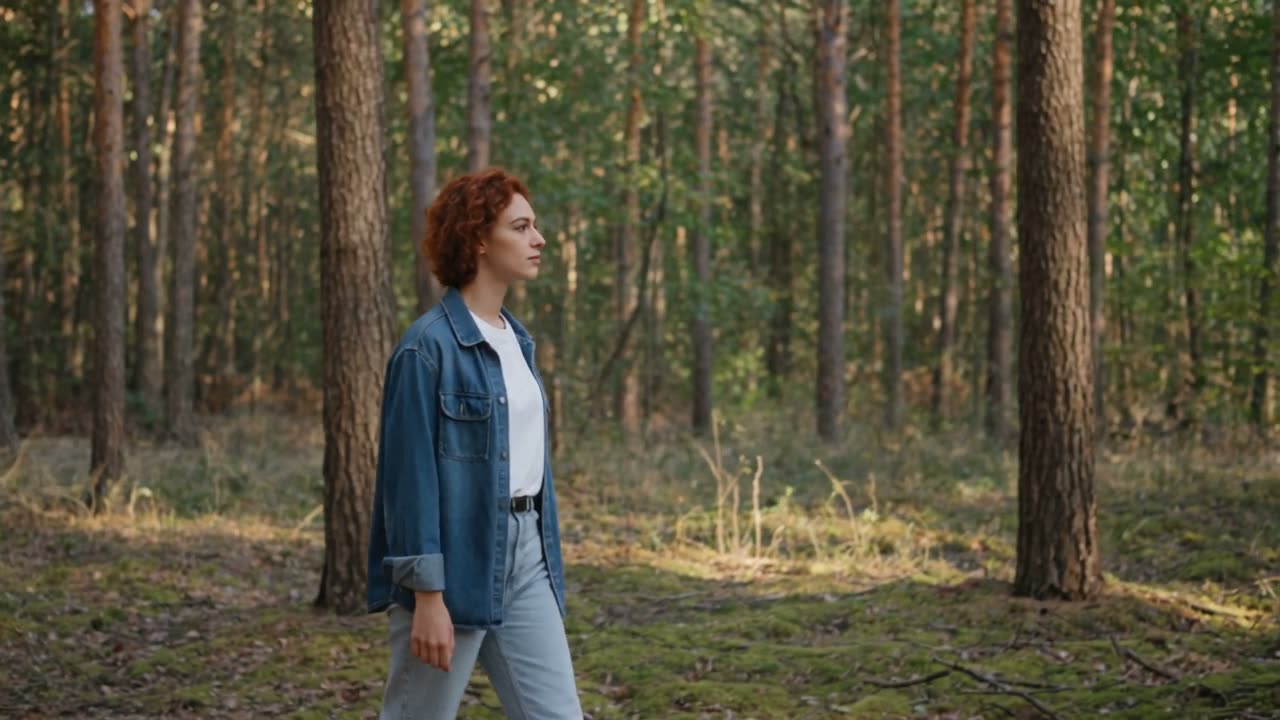
THE PRODUCT
This platform is your all-in-one browser studio for AI video creation. Describe a scene or upload an image, customize the duration and aspect ratio, and download your finished video—complete with sound when generated.
We focus on finished short-form video complete with audio and straightforward credit pricing—so you never have to stitch together muted five-second clips across multiple tools.
Open the desk freeText-to-video generation with full control over subjects, camera moves, lighting, and mood
Image-to-video animation for products, characters, and key artwork
Flexible clip durations tailored for video ads, intro sequences, and multi-beat hooks
Landscape and portrait aspect ratios designed for feeds, Stories, and Reels
Synchronized audio included in the video file whenever generated by the underlying model
Multi-reference stills to lock character and scene consistency across the clip
WHY OUR STUDIO
Enjoy a clean, focused workspace to render videos, manage billing, and access your full prompt history—without unnecessary clutter.
Space for open → moment → close in one generation instead of three silent fragments.
Camera and subject continuity across the take — less “slightly animated still.”
When audio ships with the video, short ads need fewer separate sound passes.
See the debit before generate; packs and plans refill without leaving the site.
Change weather, lens, or product angle with a new prompt — skip a full reshoot day.
If you searched WAN 3.0 Video, you land on a focused generator — not a generic AI mall.
Whether you create content for fun or deliver work for clients, manage your generations, credits, and downloads in one seamless workspace.
Spin vertical hooks for Reels and Shorts without booking a crew for every idea.
Test angles fast — swap the product still, keep the beat, ship another variant the same afternoon.
Turn pack shots into motion for PDPs and paid social without a full studio day.
Draft options for clients in-browser, then pick winners to polish offline.
Loopable entrances and store-page moments that match a locked art direction.
Explore looks and camera language before you invest in a heavier pipeline.
Common placements people render for: Paid social hooks · Product reveals · Launch teasers · Lookbook motion · Character continuity tests · UI / game stingers · Event openers · Storyboard animatics
Prompt or start frame
Same file as the picture
16:9 · 9:16 · more
Up to ~30s marketing target
FROM X
Public posts on X about the Wan model family (2.2 / 2.6 / 2.7). Click any card to open the original thread.

Ingi Erlingsson
@ingi_erlingsson
“nature vs nurture 🌺 — made in ComfyUI with Krea 2 + @Alibaba_Wan 2.2 I2V/T2V/Vace + HUD + Suno.”

Alessandro
@AlessandroLavis
“wan 2.2 is starting to feel broken — one talking-head clip, one face image, and the model reconstructs the entire video: same delivery, same timing, same emotional flow, new character. Brands are using this to replicate winning ads without filming again.”

Justine Moore
@venturetwins
“Some of the Wan VACE stuff blows me away. This is insanely good video inpainting and compositing — source video, mask, and a reference image. I really believe we’re about to enter the age of AI video editing.”

有趣的80后程序员
@sunbaolong_2001
“Wan 2.2 is changing the game for AI Video action control! I tested LTX 2.3 vs Wan 2.2 using Prompt Relay Timeline — Wan 2.2 performed a 5-action sequence with incredible precision. Character consistency stays 💯 while movements shift frame by frame.”

Arena.ai
@arena
“Wan-2.7 I2V enters Video Arena at #5 for Image-to-Video, scoring 1,434. It ranks ahead of Grok Imagine Video (720p) and every Google Veo-3.1 variant — from head-to-head battles with real community votes.”

ComfyUI
@ComfyUI
“Wan2.7 is now live as a Partner Node in ComfyUI — a comprehensive upgrade over 2.6 with better image quality, audio, motion dynamics, stylization, and consistency. More workflows. More control.”
START CREATING
Create a free account, claim starter credits when available, and render your first clip directly in your browser studio.